Managing Amazon Prime Video subscriptions requires navigating a different set of menus than those used for standard retail orders. Following the April 10, 2026, launch of the “Prime Video Ultra” tier, users must now distinguish between basic channel add-ons and the premium ad-free upgrade that controls technical features like 4K streaming and Dolby Atmos support.
Whether you are looking to remove a third-party channel like Paramount+ or downgrade from the Ultra tier to reduce your monthly costs, the cancellation process depends on the device you are using and your original method of payment.
How to Cancel via Web Browser
The most direct way to manage all active subscriptions, including the ad-free Ultra tier and individual channels, is through the Amazon website. This method provides the most comprehensive view of your billing cycle and renewal dates.
- Log in to your Amazon account and navigate to the Prime Video home page.
- Click on the Profile icon or name in the top right corner.
- Select Account & Settings from the dropdown menu.
- Click on the Subscriptions tab (or “Your Channels” in some regions).
- Locate the specific service you wish to end and select Cancel Subscription.
Canceling on Mobile Devices
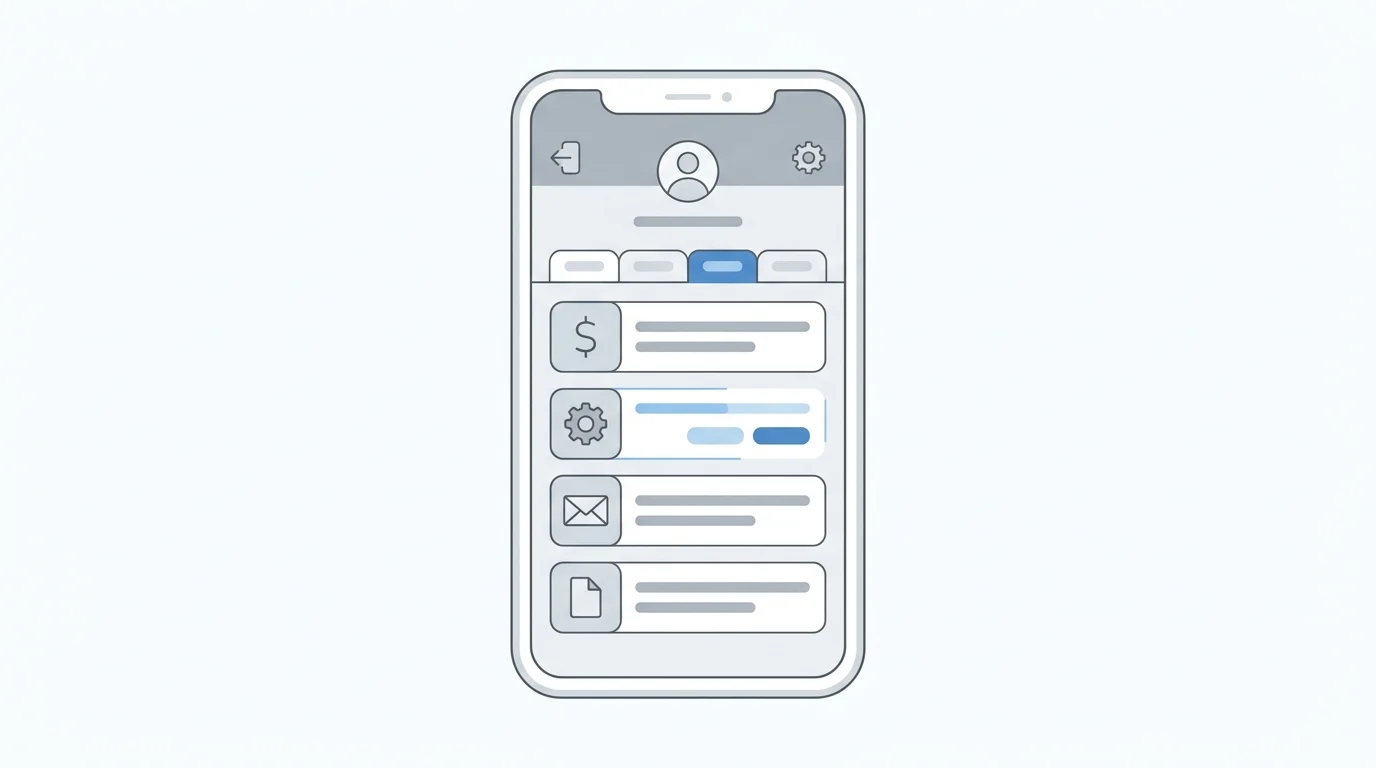
The Prime Video mobile app allows for subscription management, though the interface may vary slightly between iOS and Android. To cancel through the app:
Open the Prime Video app and tap the Profile icon. Select the gear-shaped Settings icon, then tap Prime and subscriptions. This will display a list of all active add-ons. From here, you can select the “Cancel” option next to the relevant service. However, if you originally signed up for a channel through the Apple App Store or Google Play Store, you may be redirected to your device’s native subscription manager to finalize the cancellation.
Understanding the Prime Video Ultra Tier
As of late 2026, Amazon has standardized its pricing and feature sets across several tiers. The base standalone Prime Video subscription costs $8.99 per month, while a full Amazon Prime membership is priced at $14.99. The “Prime Video Ultra” tier is an additional $4.99 per month on top of those base rates.
Users should be aware that canceling the Ultra tier does more than just reintroduce advertisements. According to current streaming price and feature data, the Ultra tier is the only version of the service that includes 4K/UHD resolution, Dolby Atmos audio, and the ability to stream on five devices simultaneously. Reverting to the standard tier limits users to 1080p video and fewer concurrent streams.
Third-Party Billing Limitations
A common hurdle for users attempting to cancel subscriptions is third-party billing. If your Prime Video access is bundled through a mobile carrier, an internet service provider, or an external app store like Apple, the Amazon website will often display a message stating the subscription is managed elsewhere.
In these instances, the “Cancel” button will not appear in your Amazon Account & Settings. You must log in to the third-party provider’s portal—such as your Apple ID settings or your carrier’s billing dashboard—to stop future charges. Once canceled, access to the channel or Ultra features typically remains active until the end of the current billing period.